Deploy
Databases, Redis and buckets
Run Postgres and Redis next to your units, store files in S3-compatible buckets, and keep state on a volume. All of it is private to the project.
On this page
Postgres and Redis#
Kuiper runs Postgres 17 and Redis (Valkey 8.1) for you. Each one is a private service inside your project, with a persistent disk and CPU and memory reserved for it. Nothing is published on the internet. Only your units can reach a database.
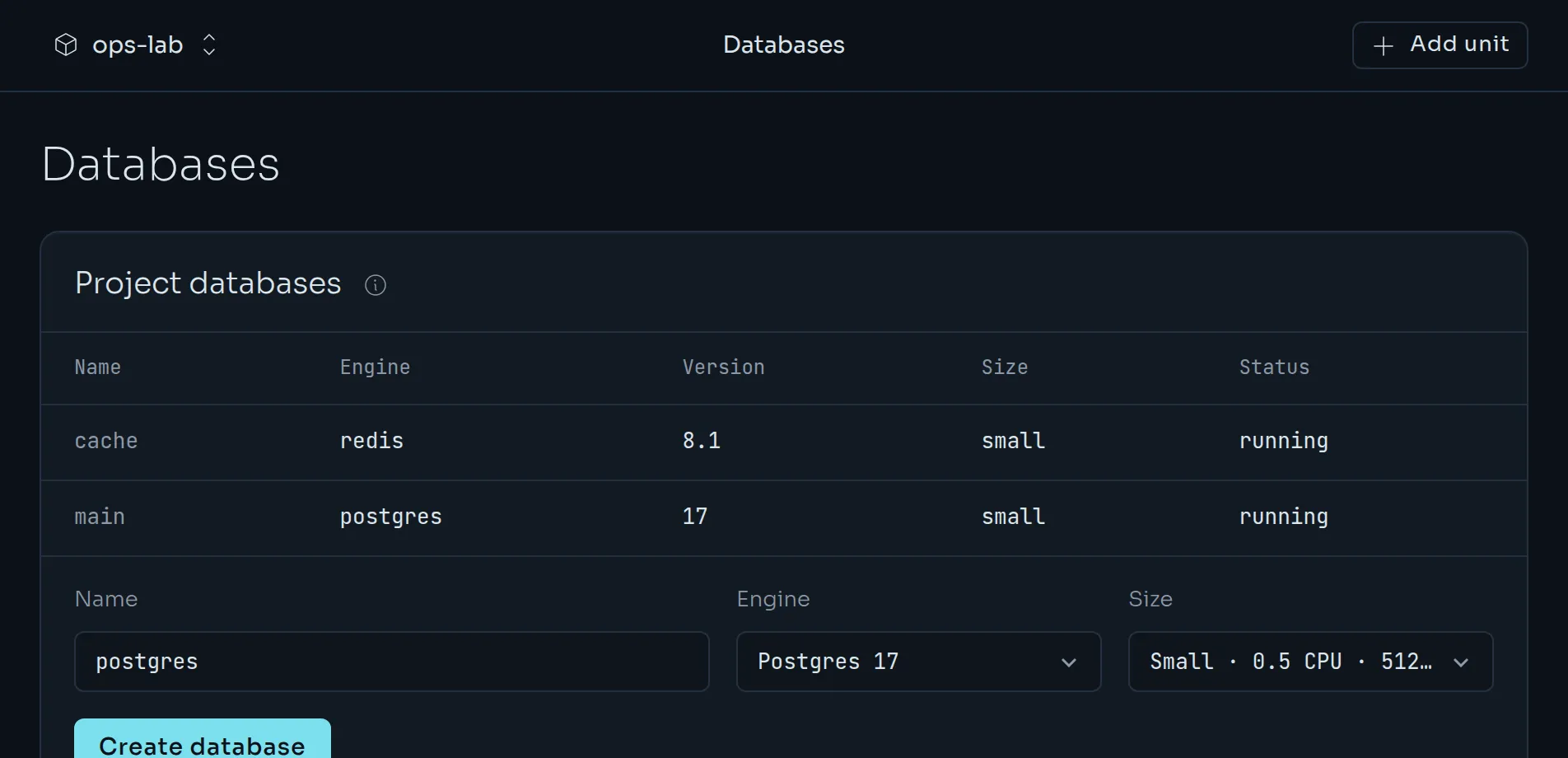
Create one in the dashboard from Databases, or from the CLI:
kuiper db create postgres main -p my-agent
kuiper db create redis cache -p my-agent
kuiper db list -p my-agent
kuiper db show main -p my-agent
Then give a unit the connection string. The variable name is your choice, and the template selects the database output:
kuiper env set -p my-agent -u web 'DATABASE_URL=${{main.DATABASE_URL}}'
kuiper env set -p my-agent -u web 'REDIS_URL=${{cache.REDIS_URL}}'
kuiper restart -p my-agent -u web
Postgres exports DATABASE_URL, PGHOST, PGPORT, PGUSER, PGPASSWORD and PGDATABASE. Redis exports REDIS_URL, REDIS_HOST, REDIS_PORT and REDIS_PASSWORD. See Variables and secrets for how templates work.
Hostnames look like <database>.<project>.internal and resolve only inside the project's private network. Postgres URLs use sslmode=disable because the traffic never leaves that network.
Sizes and versions#
Choose a size with --size. The default is small.
| Size | CPU | Memory | Disk |
|---|---|---|---|
small | 0.5 | 512 MiB | 5 GiB |
medium | 1 | 2 GiB | 20 GiB |
large | 2 | 4 GiB | 50 GiB |
kuiper db create postgres main --size medium--version 17 selects Postgres 17 and --version 8.1 selects Redis 8.1. Those are the supported versions. Images are pinned, so a restart never upgrades the engine. Resizing, upgrades and password rotation are not available yet. A major-version move means a dump and restore into a fresh database.
Credentials#
Passwords and URLs are sealed. The dashboard, the CLI and the API mask them by default. To read them, ask for it explicitly:
kuiper db credentials main -p my-agent --revealRestart and delete#
kuiper db restart main -p my-agent
kuiper db delete main -p my-agent --confirm main
A restart stops the database and starts it again on the same disk, with the same data and credentials. Deleting is permanent: it removes the credentials, the service and its disk. Remove the variables that reference the database first. Kuiper lists any that remain.
Buckets#
A bucket is private, S3-compatible object storage for files: reports, uploads, media. Create one from Buckets or the CLI:
kuiper buckets create reports -p my-agent
kuiper buckets list -p my-agent
kuiper buckets show reports -p my-agent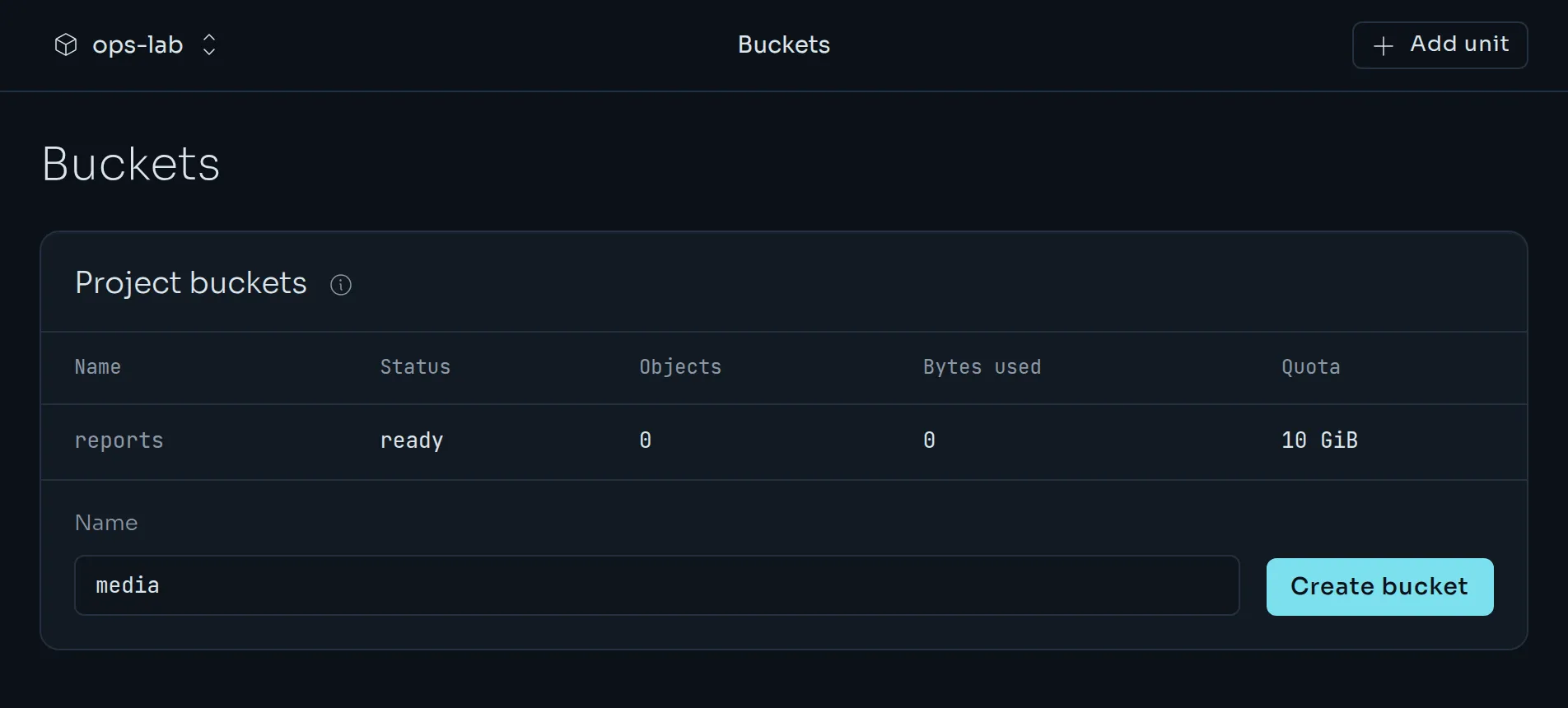
Each bucket has its own access key. Bind its values to a unit like any other output:
kuiper env set -p my-agent -u web \
  'S3_ENDPOINT=${{reports.S3_ENDPOINT}}' \
  'S3_BUCKET=${{reports.S3_BUCKET}}' \
  'S3_REGION=${{reports.S3_REGION}}' \
  'S3_FORCE_PATH_STYLE=${{reports.S3_FORCE_PATH_STYLE}}' \
  'S3_ACCESS_KEY_ID=${{reports.S3_ACCESS_KEY_ID}}' \
  'S3_SECRET_ACCESS_KEY=${{reports.S3_SECRET_ACCESS_KEY}}'
Use path-style addressing with any S3 client. The endpoint is a public address, so the same bucket works from inside and outside Kuiper.
kuiper buckets credentials reports -p my-agent --reveal
kuiper buckets delete reports -p my-agent --confirm reports
A bucket holds up to 10 GiB and 1,000,000 objects by default, and an organisation can allocate 100 GiB in total. Deleting needs an empty bucket with no unfinished uploads and no variable that references it.
Volumes#
A volume is a persistent disk. Foundry and Station units get one automatically, mounted at /data. Other apps ask for one with resources.volumeGiB in kuiper.json.
kuiper volumes -p my-agent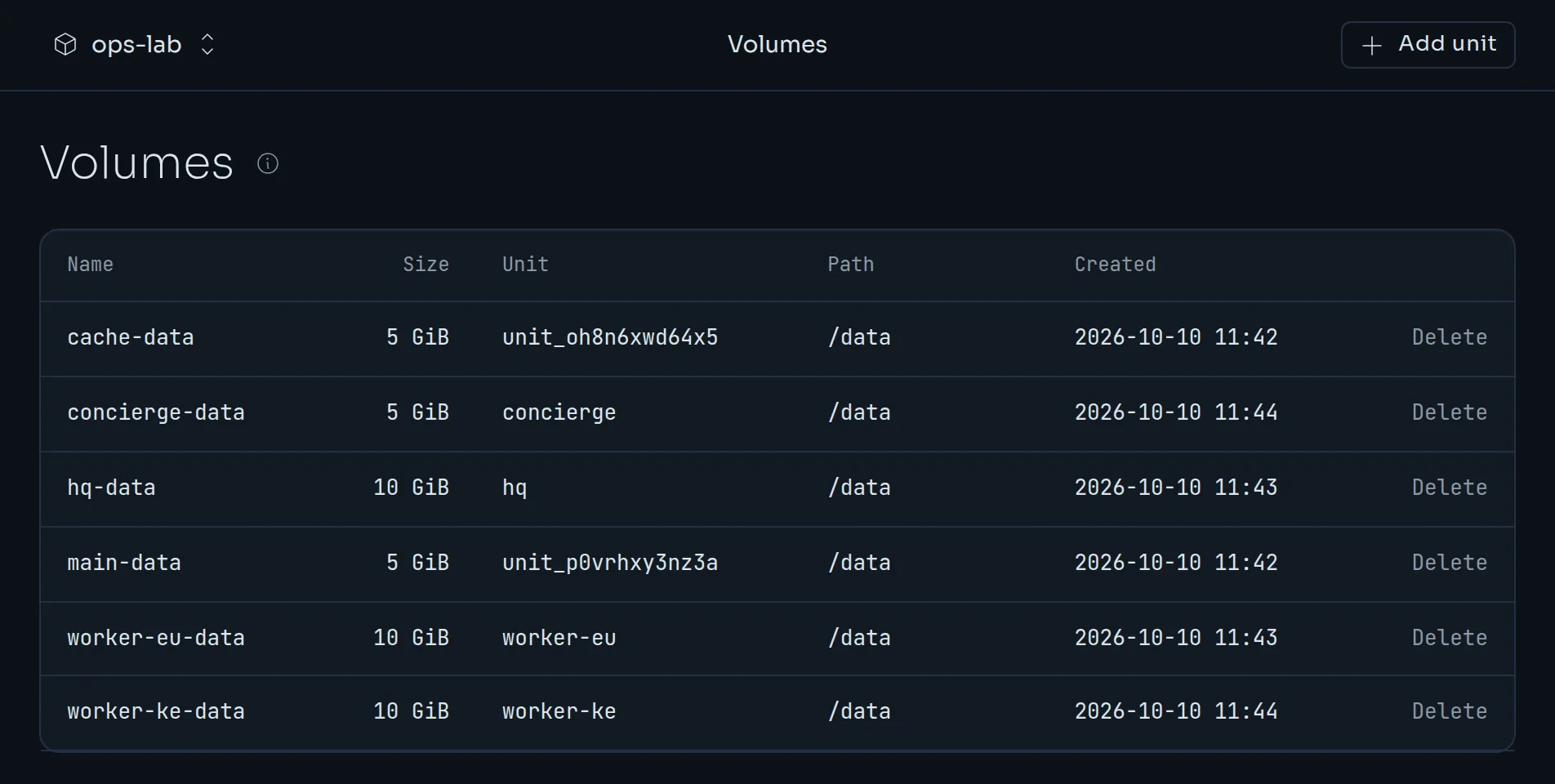
A volume belongs to the project and outlives the container. Because a volume lives on one node, a unit with a volume runs as a single instance. Keep state that must survive restarts on /data, such as a SQLite file.
External databases#
Prefer a database you already have, like Neon, Upstash or your own RDS? Add it as a resource with its outputs and reference it the same way. See External services.